It happened to me on a Tuesday.
I typed in my website URL to check a new post. I hit Enter. I waited. And then… nothing. Just a white screen. Or maybe a scary message that said “502 Bad Gateway.”
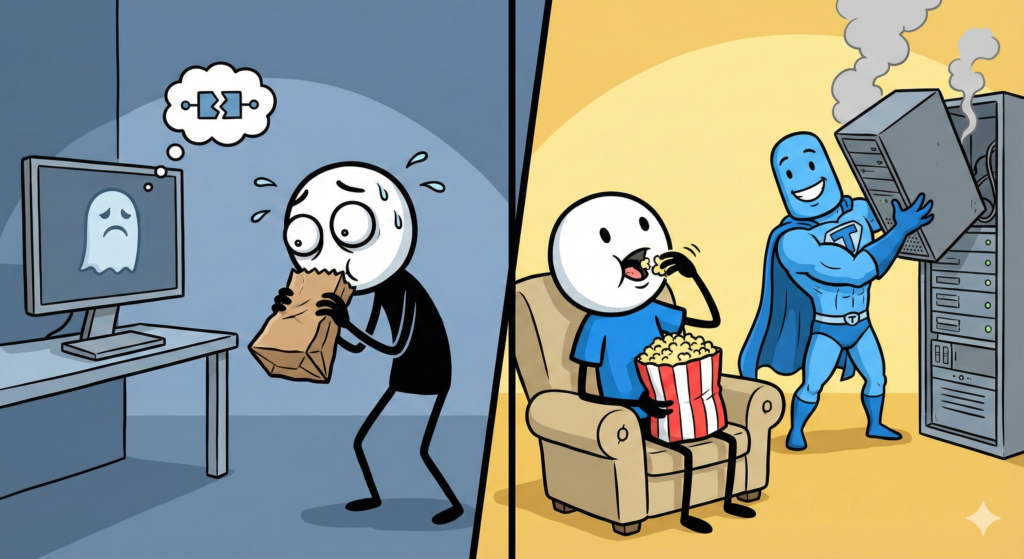
My heart stopped. My hands started sweating. I thought: “It’s gone. Everything I wrote. Every photo. It’s all deleted. I have disappeared from the internet.”
For a blogger, a crashed website feels like coming home and finding your house missing. It is pure panic.
But before you throw your laptop out the window, take a deep breath. Your site is almost certainly not gone. It is just sleeping (or hiding). And we can wake it up.
Sometimes, the problem isn’t your website. The problem is your internet.
Before you call the police, check if the site is actually down for everyone.
- Check on your phone: Turn off WiFi (use 4G/5G) and try to load your site.
- Use a Tool: Go to a site like “Down For Everyone Or Just Me” and type in your URL.
If the tool says “It’s just you,” congratulations! Your site is fine. Reboot your router and go get a snack. If the tool says “It’s down,” okay. Don’t panic. Move to the next step.
90% of the time, a website crashes because of a Plugin. Did you just update a plugin? Did you just install a new one? Plugins are like roommates. Usually, they get along. But sometimes, two of them get into a fight and burn the house down.
The Fix: If you can still log into your WordPress dashboard:
- Deactivate all your plugins.
- Check your site. Is it back? (It usually is).
- Turn them back on, one by one, until the site breaks again. The last one you turned on is the villain. Delete it.
If you can’t log in or if you have no idea what “Bad Gateway” means, it is time to call for help.
This is the exact moment when you realize if you chose a Good Host or a Bad Host.
A Bad Host will make you wait 3 hours and tell you it’s your fault. A Good Host will fix it for you while you cry.
This is why I stick with Bluehost.
When my site crashed that Tuesday, I didn’t try to fix the code myself (I don’t know code!). I opened the Bluehost Chat Support.
- Me: “HELP! My site is white!”
- Bluehost Agent: “I see the problem. A file got corrupted. Give me 2 minutes.”
I watched the little chat bubbles. Two minutes later:
- Bluehost Agent: “Okay, it’s back online.”
I didn’t have to pay extra. I didn’t have to learn programming. I just had to ask. When you are scared, having 24/7 support isn’t just a “feature.” It is a lifesaver.

If everything else fails, if the plugins are broken and the code is messy, you have one final superpower.
The Backup.
It is like a Save Point in a video game. You can just snap your fingers and go back to how the website looked yesterday, before it broke.
- If you have Bluehost: They often do automatic backups for you (check your dashboard!).
- If you have a Plugin: Tools like UpdraftPlus are great for this.
You just click “Restore,” wait 5 minutes and it’s like the crash never happened.
Here is the truth: Technology breaks. Facebook crashes. Google crashes. Amazon crashes.
If it happens to you, it doesn’t mean you are a bad blogger. It just means you are part of the internet.
So, the next time you see that white screen:
- Breathe.
- Check your plugins.
- Call your host